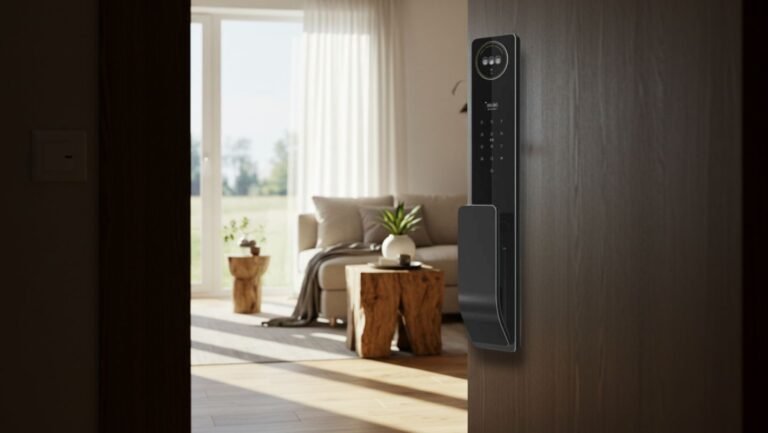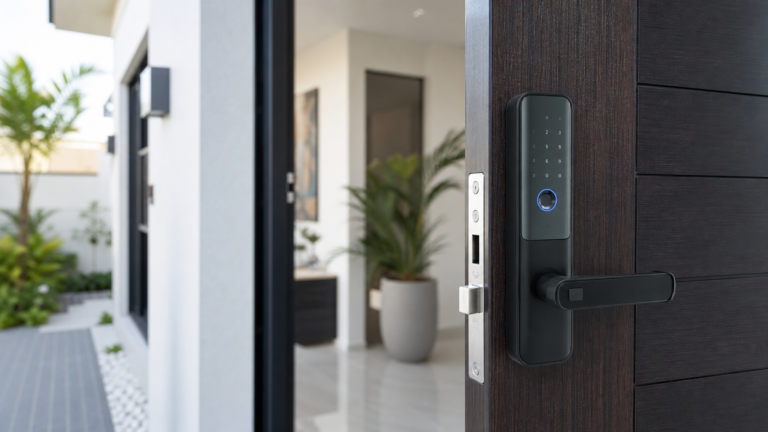
Smart lock installation Pampanga projects go better when the door and access plan are checked before buying the hardware. A smart lock can add fingerprint, PIN, card, app, or backup access, but it still depends on clean mechanical fit.
Use these seven checks before scheduling installation for a home, condo, rental unit, or small office.
1. Check Door Thickness
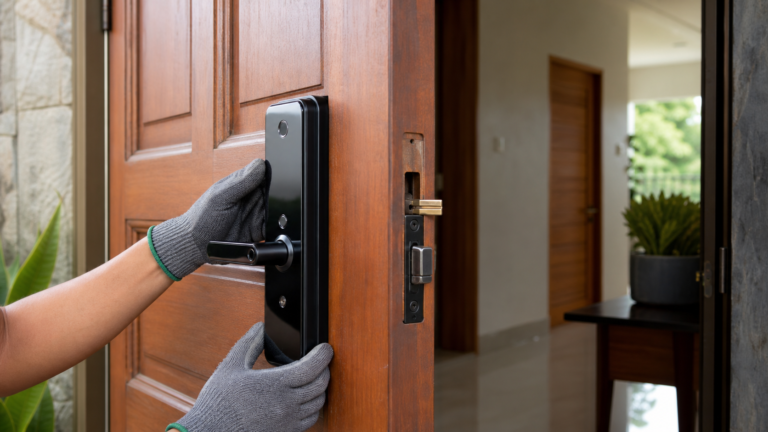
Door thickness affects lock compatibility. Measure the door and take photos of the edge so an installer can confirm whether the chosen lock body will fit.
2. Review Latch Alignment
If the current latch rubs or needs force, correct the frame issue first. A smart lock should close smoothly without extra pressure. Our smart lock door fit checklist explains the basics.
3. Match Access Methods to Users
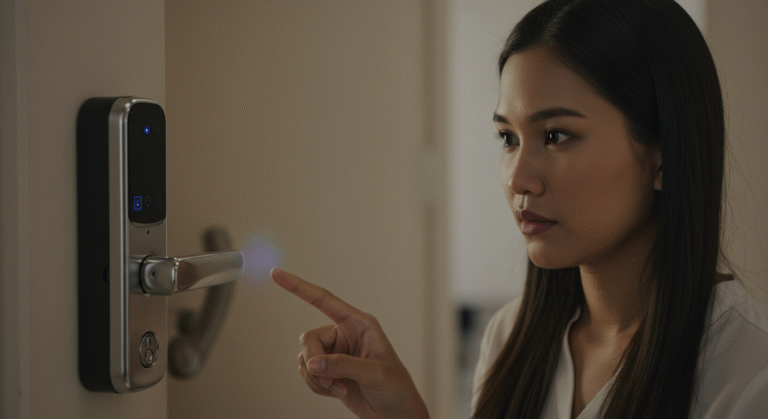
Families may need fingerprints and PINs. Rentals may need temporary codes. Small offices may need staff access that can be updated. Choose the lock around real users, not only features.
4. Confirm Backup Entry
Ask how the lock handles low battery, app issues, or fingerprint problems. Backup access can include a mechanical key, emergency power contact, PIN, or another supported method depending on the model.
5. Check Handle and Screen Door Clearance
Some doors have grills, screen doors, or nearby handles that limit space. Make sure the smart lock body will not hit another door or block comfortable use.
6. Think About App Setup
If app control is important, confirm who will manage the app, whether the entry area has suitable signal, and how users will be added or removed.
7. Choose Professional Installation
Professional installation helps with drilling, alignment, testing, and user setup. For fingerprint-focused options, compare our fingerprint smart locks guide.
Local Help
Smart Locks Pampanga can assess your door, recommend a compatible smart lock, install it, and show your household or staff how to use daily and backup access.